Introduction to HTML
HTML is used for structuring and formattin web pages
HTML elements
In HTML, an element consists of a start tag, content, and an end tag (or sometimes self-closing). HTML elements define the structure and content of web pages.
<p>This is a paragraph.</p>
<p>: Start tag (opening tag)This is a paragraph.: Content</p>: End tag (closing tag)
HTML Tags
HTML tags are the building blocks of HTML elements. They are keywords enclosed in angle brackets (< >) that tell the browser how to display the content. Tags usually come in pairs: an opening tag and a closing tag.
Example of HTML Tags:
Opening tag:
<p>Closing tag:
</p>
1. Heading Element (<h1> to <h6>)
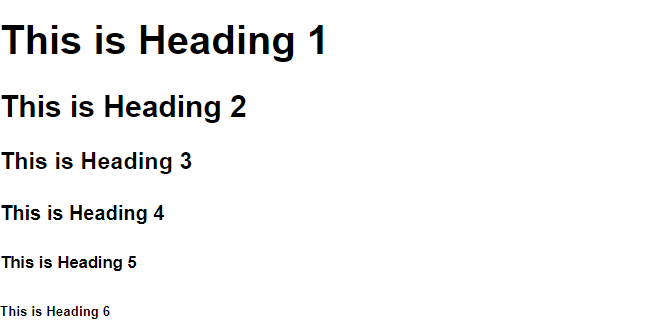
To display the content in the heading format you can use the heading element. Heading elements are of six different types and they have different sizes.
    <h1>This is Heading 1</h1>
    <h2>This is Heading 2</h2>
    <h3>This is Heading 3</h3>
    <h4>This is Heading 4</h4>
    <h5>This is Heading 5</h5>
    <h6>This is Heading 6</h6>
2. Paragraph Element (<p>)
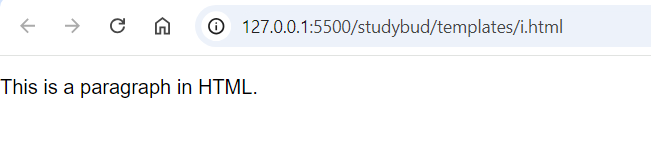
To write the paragraph on your website you can use <p> tag.
<p>This is a paragraph in HTML.</p>
3. Anchor Element (<a>)
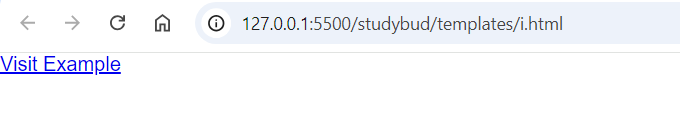
An anchor element defines a hyperlink.
<a href="https://www.example.com">Visit Example</a>
4. Image Element (<i>)
Displays an image. This is a self-closing element.
<img src="image.jpg" alt="Description of Image">

5. List Element (<ul>, <ol>, <li>)
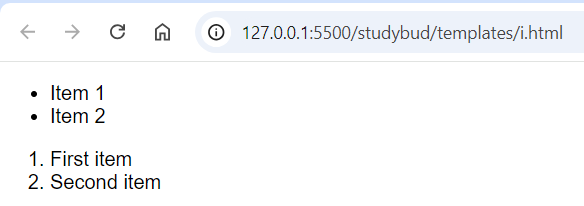
A list element is used to display the item as a list
we can display the list in two ways :
an unordered list (<ul>) or ordered (<ol>) list, with list items (<li>).
    <ul>
        <li>Item 1</li>
        <li>Item 2</li>
    </ul>
    <ol>
        <li>First item</li>
        <li>Second item</li>
    </ol>
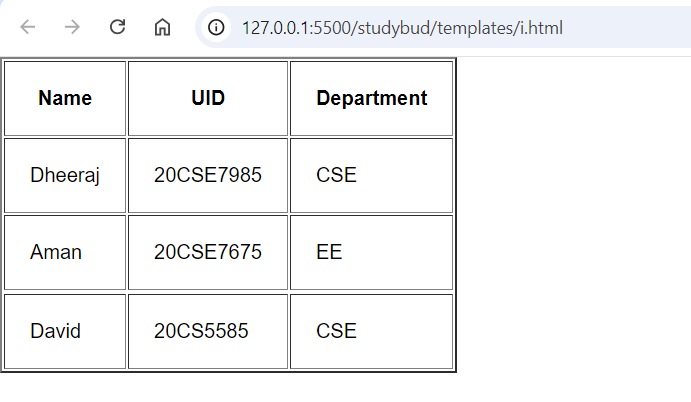
6. Table Element (<table>, <tr>, <td>, <th>)
The table element is used to create a table in HTML<tr> this tag is used to define rows of the table<td> this tag is used to define table data<th> this tag is used to define the heading of the table rows
<table border="2" cellpadding="20">
        <tr>
            <th>Name</th>
            <th>UID</th>
            <th>Department</th>
        </tr>
        <tr>
            <td>Dheeraj</td>
            <td>20CSE7985</td>
            <td>CSE</td>
        </tr>
        <tr>
            <td>Aman</td>
            <td>20CSE7675</td>
            <td>EE</td>
        </tr>
        <tr>
            <td>David</td>
            <td>20CS5585</td>
            <td>CSE</td>
        </tr>
    </table>
Difference Between HTML Elements and Tags:
Tags are used to create elements.
An element is an entire structure (start tag + content + end tag), while a tag is just the opening or closing part of the element(all the things that we see on a webpage is an element such as headings, images, paragraphs, etc)